craftgen · boxes · embed code
3D and AR on your product page — in two lines of code
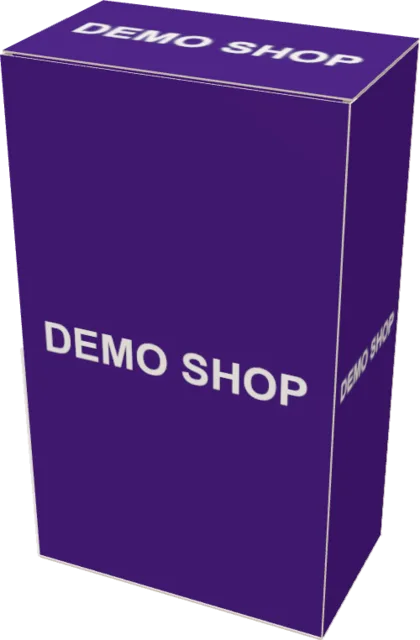
Build a box for your product in the configurator, copy the embed code and add it to Tilda, WordPress, Shopify or your own HTML. Shoppers spin the box, open it and place it on their table in AR. No 3D designer needed.
The configurator is free, in beta. The code is under “Embed code” below the finished 3D model.
<script src="https://boxes.craftgen.app/embed.js" async></script>
<div data-showgen="b/ad41f49ae0b7fc89" data-state="closed" data-height="520" data-lang="en"></div>Live example
Change an attribute — see what your shopper gets
On the right is the service’s real embed.js on “your” page. On the left is its code: copy and paste it, it works.
<script src="https://boxes.craftgen.app/embed.js" async></script>
<div data-showgen="b/ad41f49ae0b7fc89" data-state="closed" data-height="520" data-lang="en"></div>- showgen:ready and showgen:state events will show up here
The configurator gives you the same code for your box — with its own number instead of this one.
Loading 3D…
In “button” mode the 3D doesn’t load until the shopper taps — the page stays light.
Where to paste
One code for any website builder
- TildaBlock T123 “HTML code”: paste the code into the block and publish the page.
- WordPressThe “Custom HTML” block in the page or product editor.
- ShopifyThe “Custom Liquid” section in the product page template.
- HTMLAnywhere in your markup: the script and the block go where the box should appear.
The code doesn’t depend on your theme: the window lives in its own shadow DOM and takes none of your styles.
AR
The box on your shopper’s table, at real size
The AR button is already in the box window. Shoppers install nothing: iPhone opens Quick Look, Android opens Scene Viewer.
There’s no AR on a computer — open this page on your phone.
- iPhone · iPadQuick Look. From the embed window the full box page opens — AR starts reliably from there.
- AndroidScene Viewer straight from the window, at 1:1 scale.
- State in ARFlat, open or closed — AR takes the state that’s on screen right now.
Film · 12 s
From an empty product card to 3D — two lines
Under the hood
Why the window won’t break your site
shadow DOMThe window lives in a shadow DOM: your theme’s styles don’t touch it, and it doesn’t touch them.loading="lazy"3D loads lazily, and in button mode only after a tap.wheelThe mouse wheel scrolls your page instead of zooming the box; zoom with Ctrl + wheel or a pinch.langLabels follow your site’s <html lang> (Ukrainian or English) or the data-lang attribute.b/<id>One box, one link forever: the same settings give the same number.showgen:readyshowgen:ready and showgen:state events for your analytics.
For packaging makers
3D on the card of every item in your range
An item with a FEFCO code and dimensions takes a few clicks in the configurator and gets its own embed code. Shoppers see the box in 3D and AR, not a photo on white.
Preparing your whole range at once — let’s discuss pilot terms on a call. Write to us
Your box is next in this window
Size, board, colour and print are in the configurator. The embed code is under the finished 3D model.
Build a box and get the codeThe configurator is free, in beta. On-screen colour is a guide, not a proof.